Digital Media Player For every screen you own
Pixels Flow provide complete signage solution for indoor and outdoor displays. We also provide fast CMS platform for media player that allow you to control your screens from anywhere to everywhere. Upload media, build playlists, schedule them by branch, and push updates to every screen — without leaving your desk.
- No credit card required
- Set up your first screen in minutes
Trusted by teams running digital signage every day





Digital signage features that run your whole screen network
One digital signage dashboard for your content, your schedules, your devices, and your team.
Every capability here already ships in Pixels Flow — no add-ons, no separate tools to stitch together.
Media library
Upload images and video once, organize them centrally, and reuse them across every screen you run.
Playlists
Order your content, set how long each item stays up, and reorder it any time — changes reach screens automatically.
Scheduling
Run breakfast menus in the morning and dinner boards at night. Schedule by time, day, and location.
Device management
Pair a screen in seconds, then monitor status remotely so you know what is playing and what is offline.
Layouts
Split a screen into zones with a visual editor.
Branches & roles
Give each location its own screens and managers, while head office keeps oversight of everything.
Activity logs
See who changed what and when, with a full audit trail across your organization.
Role-based access
Admins, managers, and branch staff each see exactly what they need — and nothing they do not.
How our cloud digital signage software works
Pick any item below and watch the screen change instantly — that is the same speed your displays update at.

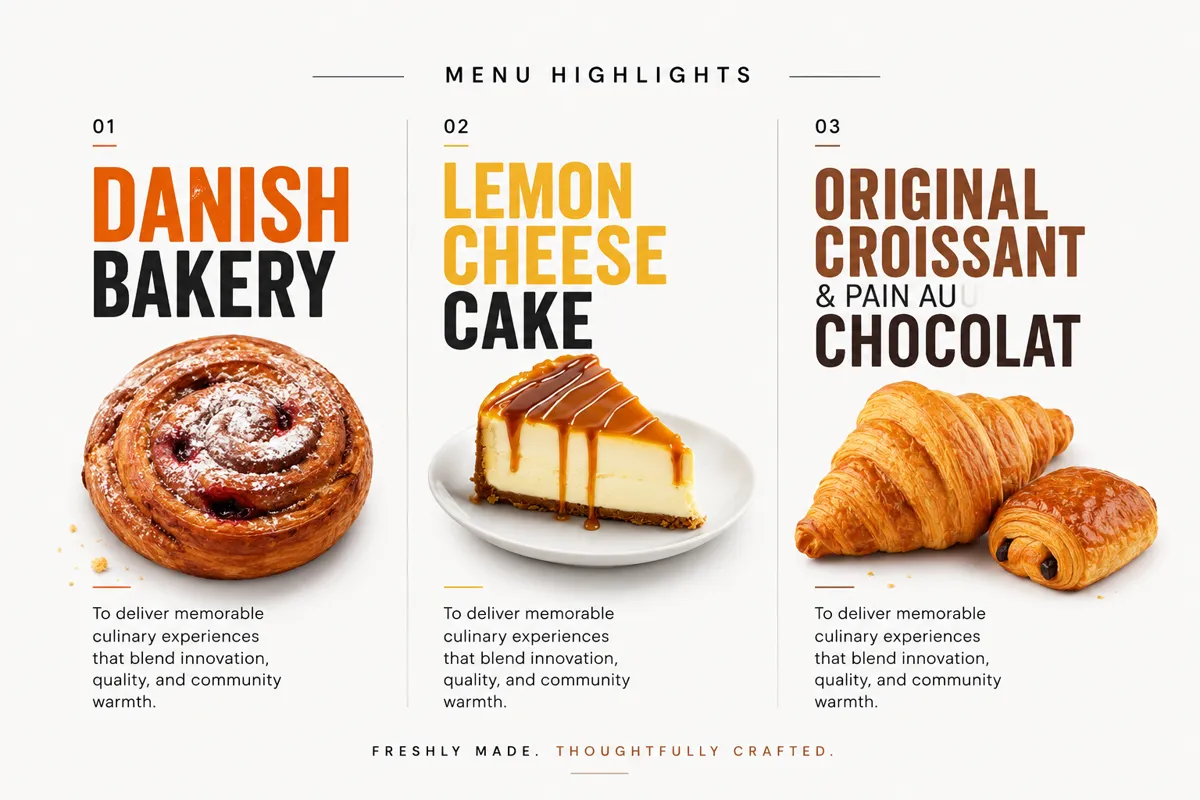


Select media below to update the display
Changes reach the screen the moment you pick them
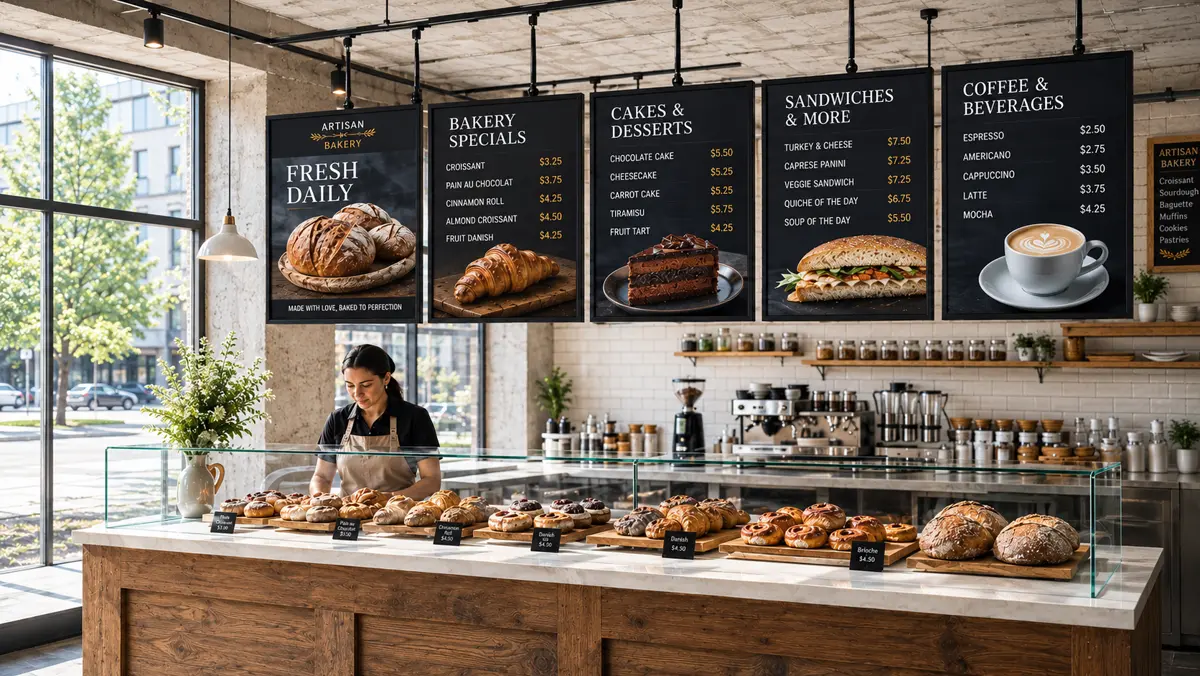
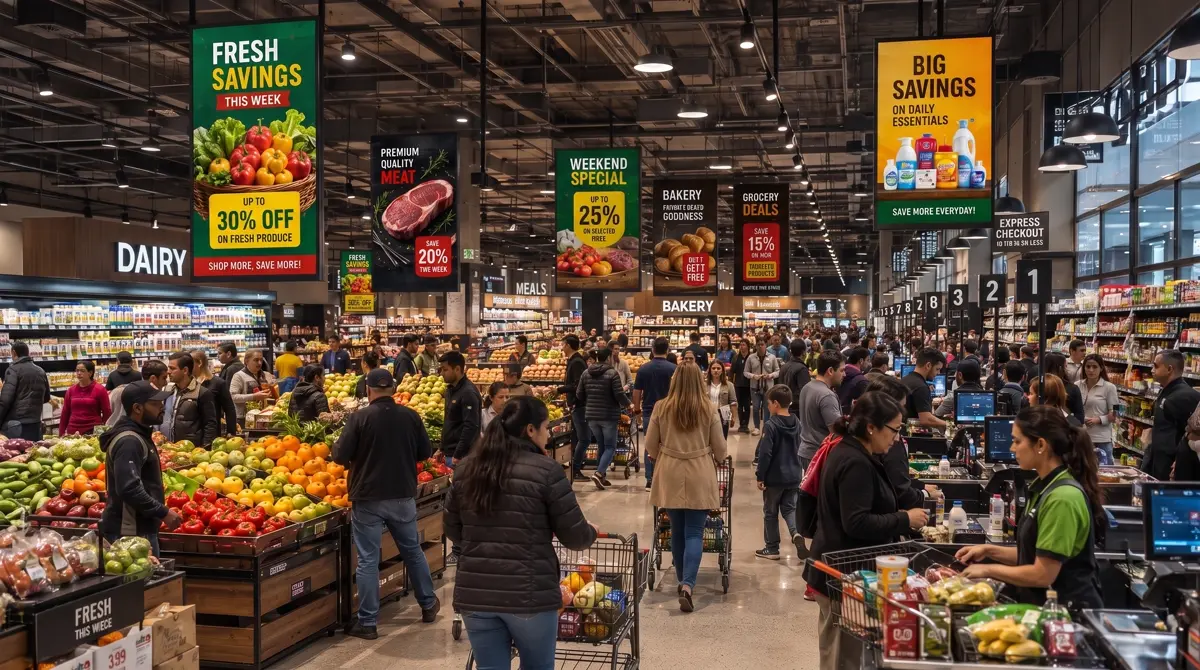
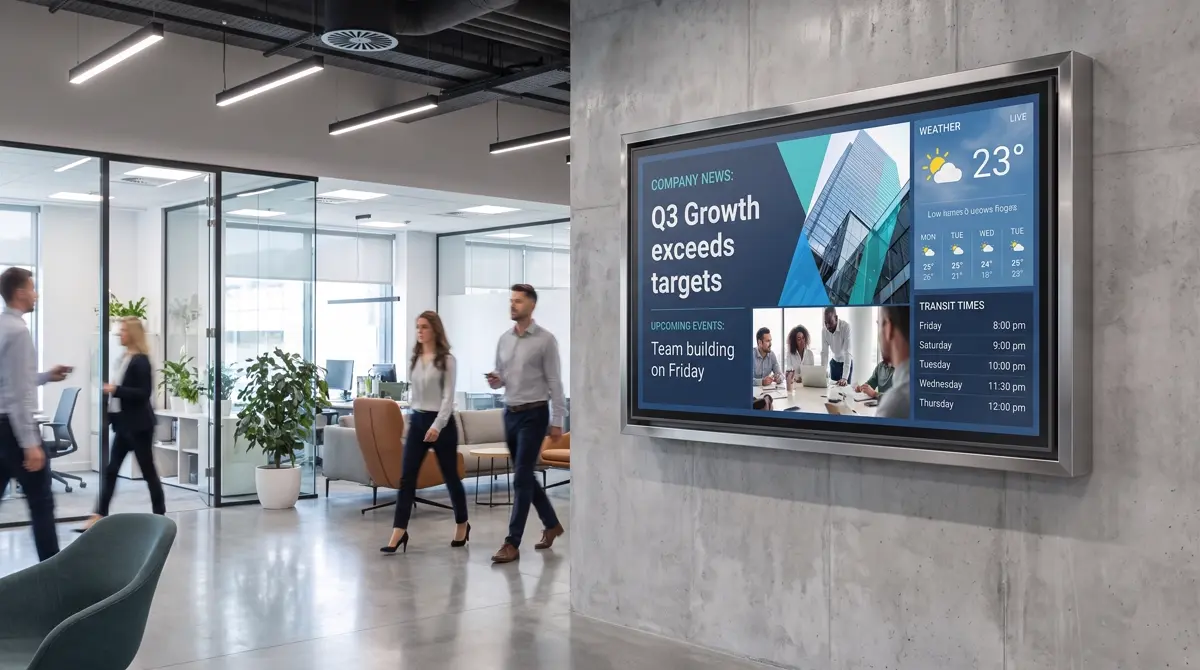
Digital signage solutions for retail, restaurants, and offices
From digital menu boards to corporate digital signage, Pixels Flow keeps every screen current.
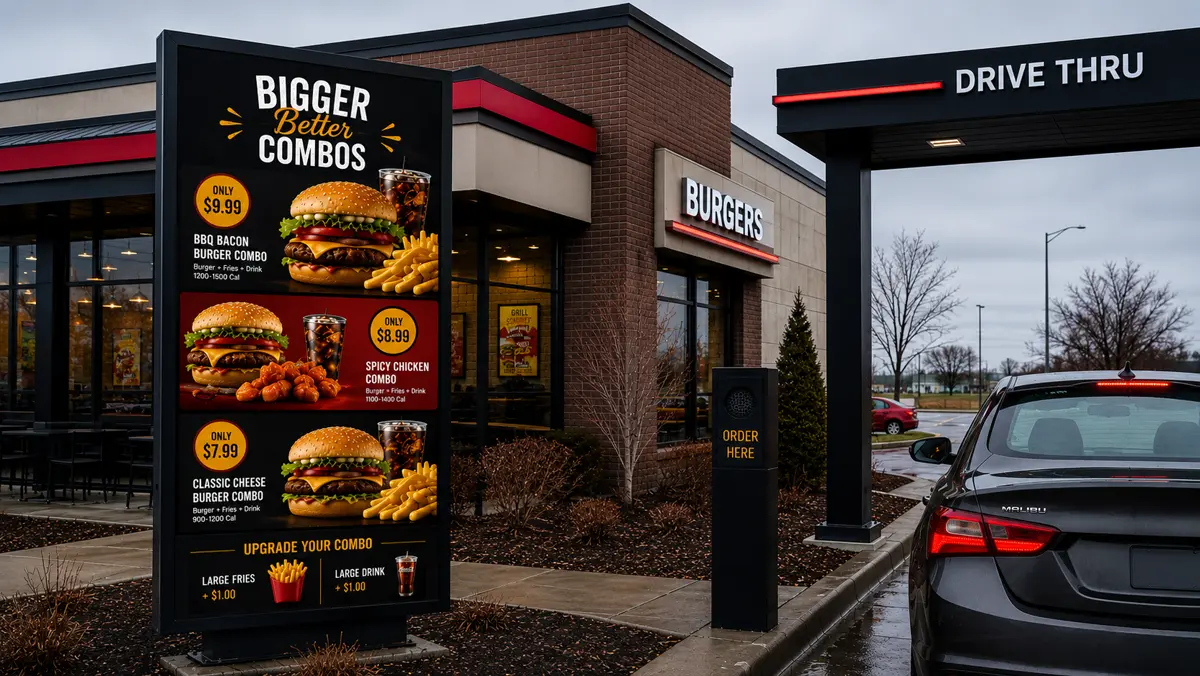
Move the line faster
- Swap combo pricing across every lane at once
- Switch breakfast to lunch boards on a schedule
- Promote high-margin upgrades right at the order point
Affordable digital signage software pricing
Start free on a single display. Add screens as you grow.
Starter
for your first screen
Everything you need to put one display to work.
- 1 screen
- Media library & playlists
- Basic scheduling
- Email support
Business
priced per screen
For multi-branch teams running screens at scale.
- Unlimited screens
- Branches & branch managers
- Layouts & video walls
- Activity logs & audit trail
- Priority support
Enterprise
tailored to your rollout
For large networks with bespoke requirements.
- Everything in Business
- Custom roles & permissions
- Onboarding & migration help
- Dedicated account manager
Digital signage software FAQs
It is a cloud content management system for screens. Instead of walking a USB stick to each display, you upload media once, build playlists, and publish to any screen from one dashboard.
Any screen you already own plus a media player device. You pair the device to Pixels Flow with a code, and it starts pulling its assigned playlist automatically.
Yes. Screens are grouped into branches, and you can give each branch its own manager. Head office keeps visibility across every location from a single account.
Build a playlist, then attach a schedule to it. You can run different content by time of day, day of week, and location — so breakfast boards switch to lunch on their own.
Both. Layouts let you divide a single display into zones, and video walls let you treat a grid of displays as one canvas.
Yes. Activity logs capture actions across your organization, so you always have an audit trail of changes to media, playlists, schedules, and devices.
Yes. Pixels Flow drives the content, so indoor lobby screens and outdoor drive-thru boards are managed the same way. The player keeps playing from its local cache if the connection drops and resyncs automatically once it is back.
Any Android digital signage player or signage box that runs our player app. Plug it into your screen, pair it with a code, and it starts pulling its assigned playlist — no per-device configuration.
Yes. The Starter plan is free for your first screen and includes the media library, playlists, and basic scheduling, so you can prove it works before paying for anything. Pricing scales per screen after that.
Digital signage software built to run every screen you own
Pixels Flow is digital signage software that turns any display into a screen you can update from anywhere. Instead of carrying a USB stick from display to display, you upload media once, build a playlist, and publish it to a single screen or an entire network in seconds. The dashboard is a browser tab, so there is no server to maintain and nothing to install before your first screen goes live.
The practical difference shows up on an ordinary Tuesday: a price changes, someone edits it once, and by the time they have walked back to the counter every display is already showing the new number. Nobody drives between sites, and nobody waits for the person with the right cable.
A signage CMS for content, scheduling, and screens
At its core this is a signage CMS. The media library keeps your images and video in one place, playlists control the running order and dwell time of every item, and schedules decide what plays and when. Run breakfast boards in the morning and dinner menus at night, set a campaign to appear for an exact date range, or push an urgent notice to every location at once.
Keeping content, timing, and hardware as separate concerns is what keeps the day-to-day simple. Change a playlist and every screen assigned to it follows, without touching the schedule or the devices themselves. Layouts split a single display into zones, and a video wall lets a grid of panels behave as one canvas — so running many screens as one is a layout choice rather than a separate product.
Cloud based, which mostly means nobody has to be there
Because it is cloud based digital signage, the screen and the person changing it do not have to be in the same building. Devices pull what they have been assigned and check in on a regular heartbeat, so an unplugged screen or a failed download surfaces as a status you can see rather than a complaint you hear about days later. Content plays from local storage if the connection drops and catches up on its own once it returns.
Multi-branch teams give each location its own screens and managers while head office keeps oversight, and activity logs record who changed what. That combination — roles that decide who may publish where, and a trail showing what actually ran — is usually what separates a tool that survives a rollout from one that does not.
Start free, then scale per screen
Good digital signage solutions should not require a procurement cycle to try. Pixels Flow starts free on your first display, so a small business can prove the idea on one screen before paying for anything, and pricing then scales per screen so the cost stays proportional whether you run one café or a national estate.
Want more detail? Read about signage players and the hardware they run on, how teams use screens in restaurants, retail, and offices, or what to weigh up when comparing signage software.
Powerful digital signage. Zero hassle.
Start with one screen for free. Add the rest whenever you are ready.